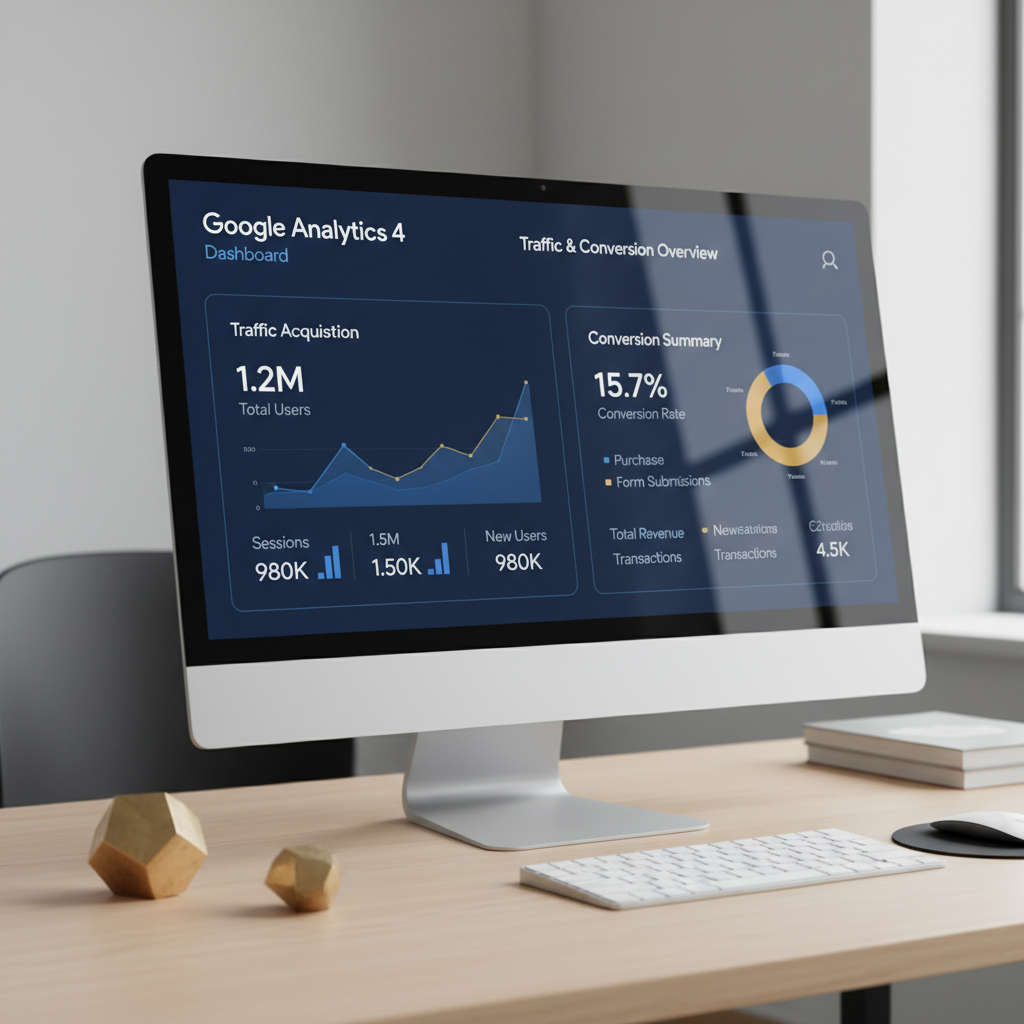
GA4 has been the standard for over two years now, and most businesses still haven't set it up properly. Incorrect tracking means bad data, bad decisions, and wasted budget. Here's how to get it right.
Essential Setup Steps
Google Tag Manager. Don't install GA4 directly on your site. Use GTM — it gives you flexibility to add tracking, modify events, and troubleshoot without touching your site code. If you're still hardcoding analytics tags, you're making your life unnecessarily difficult.
Data streams. Create one web data stream per domain. Enhanced measurement covers the basics (page views, scrolls, outbound clicks, site search, video engagement, file downloads). Verify each one is actually firing correctly using Debug View.
Conversion events. GA4 treats everything as an event. Mark your key actions as conversions: form submissions, purchases, phone calls, chat initiations. Don't over-mark — if everything's a conversion, nothing is. Focus on 3-5 events that represent real business value.
Custom Events Worth Tracking
Beyond the defaults, track: scroll depth (25%, 50%, 75%, 100%), CTA clicks (by button text/location), pricing page views, demo requests, and any micro-conversions that indicate buying intent. Use GTM triggers to fire these events without developer involvement.
Building Useful Reports
GA4's default reports are mediocre. Build custom explorations for the questions you actually need answered:
Traffic quality report — sessions by source/medium, with conversion rate and revenue. This shows which channels bring buyers, not just visitors.
Landing page performance — sessions, bounce rate, and conversion rate by landing page. Identifies your winners and losers instantly.
Funnel analysis — visualize the steps from landing page to conversion. Where are people dropping off? This is where you find the biggest optimization opportunities.
GA4 + Google Ads Integration
Link your GA4 and Google Ads accounts. Import GA4 conversions into Google Ads for smarter bidding (GA4 conversions often capture more data than Google Ads tag alone). Build audiences in GA4 and share them to Google Ads for retargeting. This integration is free and significantly improves campaign performance.
Common GA4 Mistakes
Not filtering internal traffic (your team's visits inflate everything). Not setting up cross-domain tracking (users who move between your subdomains look like new sessions). Not using UTM parameters consistently (campaign attribution becomes a mess). Not checking data regularly (errors compound — catch them early).
Good analytics is the foundation of every marketing decision. If your data isn't reliable, let's fix it.